
Unity的渲染顺序
本文目录 10 个章节
Unity的渲染顺序
创建时间:2021/4/9 17:52
决定渲染顺序的因素
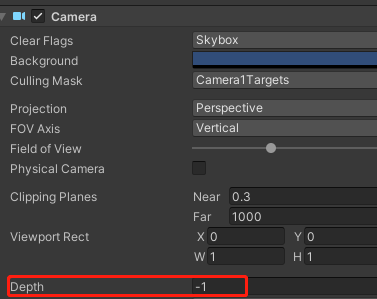
Camera Depth
按照Camera的Depth值从低到高的顺序,逐个Camera进行渲染。
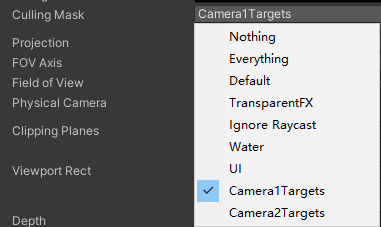
每个Camera绘制的内容可以在CullingMask当中设置——设置绘制哪些Layers的物体
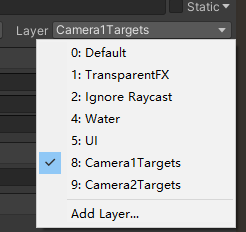
物体的Layer可以在Inspector面板进行设置。
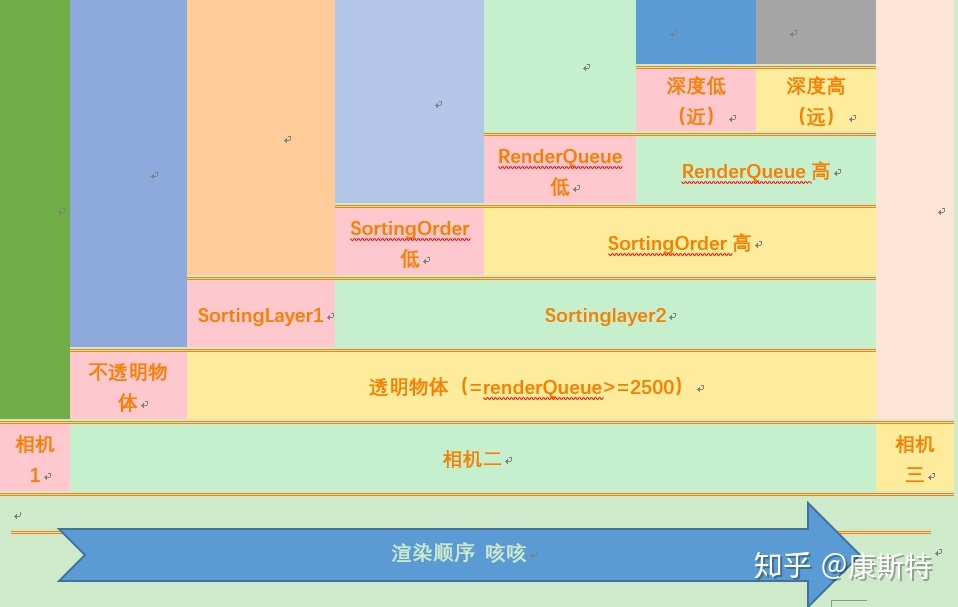
Opaque-Skybox-Transparent
Queue<=2500 - Opaque Queue>=2501 - Transparent
Sorting Layers + Order in Layer
可在Project Settings->Tags and Layers->SortingLayers中添加Layer。
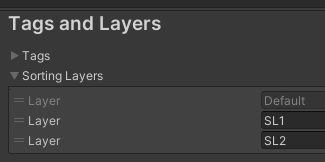
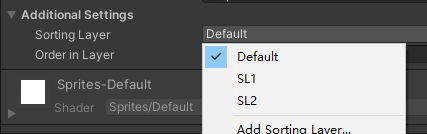
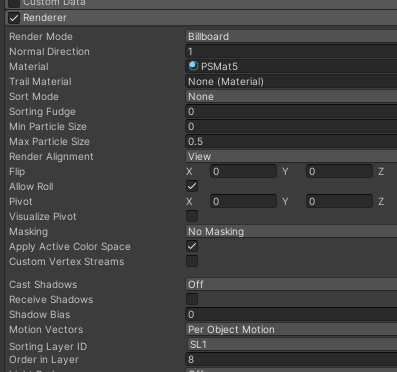
在ParticleSystem、Sprite等Unity动态生成网格的Component中设置Sorting Layer与Order in Layer,来决定物体绘制的顺序,绘制时按从小到大排序。
RenderQueue
RenderQueure是Material的一个属性。 按照渲染队列,从低到高绘制。
Background (1000) - rendered before any others. You’d typically use this for things that really need to be in the background.
Geometry (default) (2000) - this is used for most objects. Opaque geometry uses this queue.
AlphaTest (2450) - alpha tested geometry uses this queue. It’s a separate queue from Geometry one since it’s more efficient to render alpha-tested objects after all solid ones are drawn.
Transparent (3000) - this render queue is rendered after Geometry and AlphaTest, in back-to-front order. Anything alpha-blended (i.e. shaders that don’t write to depth buffer) should go here (glass, particle effects).
Overlay (4000) - this render queue is meant for overlay effects. Anything rendered last should go here (e.g. lens flares, UI).
Sorting Fudge
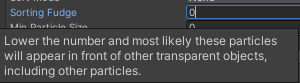
Particle System组件还有一个属性:Sorting Fudge,在其他值都相同时,这个值会影响绘制的先后顺序,值比较高的先绘制。
深度排序
按照 包围盒 中心点的深度进行排序
不透明物体 - 由近到远(从前向后)
透明物体 - 由远到近(从后向前)
实践建议
明确分层
例如UI上的半透明(特效、面片)始终在3D场景之上,则一般分多个相机来绘制。 大片填充率的物件,例如地形,天空等,一般为提高深度命中,都会选择在延后批次绘制。 Draw character before the terrain.